
Summary
Movement breaks can help you interrupt long stretches of one desk task and change activity during the workday. Choose a comfortable option that fits your abilities, space and work responsibilities. A short walk, an accessible movement or a change of task may be workable; there is no single interval that this article can certify as best for every person.
This guide helps you find practical opportunities, review the desk setup and make an adjustable plan. Five tables explain choices and limits. The planner counts complete breaks that fit inside a time window you choose; it does not prescribe an exercise dose, diagnose pain or promise that breaks cancel every effect of sitting.
What you’ll understand
- Start with real opportunities. Meetings, calls and task changes can affect the plan.
- Choose an accessible option. Standing is not the only way to change activity.
- Look beyond the timer. Workstation setup and task demands also matter.
- Keep the plan flexible. A reminder should support work, not force an unsafe interruption.
- Separate activity types. A desk break is not automatically moderate exercise.
- Respond to symptoms. Do not push through pain to complete a count.
Start with these steps
- Notice the longest uninterrupted desk tasks.
- Choose a comfortable change you can actually make.
- Agree how it fits the work and space.
- Review the plan and adjust it without treating it as a health score.
General education, not physiotherapy, workplace legal advice or a personal exercise prescription. Seek appropriate help for persistent or concerning symptoms and follow individual advice.
What is a movement break useful for?
A movement break is a deliberate change during a period of desk work. It may involve moving away from the screen, doing another suitable task or choosing an accessible movement. The purpose is to make the workday less dominated by one continuous position or repetitive activity, not to earn a perfect streak in an app.
The CDC adult activity overview encourages moving more and sitting less. That broad message is useful background, but it does not make every brief desk movement equivalent to moderate-intensity exercise or define one ideal break interval for this article’s readers.
A person working on calls, a student studying at a shared table and somebody using a wheelchair may have different options. A good plan starts with that reality. It should not assume that everyone can stand, leave the room or follow the same movement sequence at a set time.
Changing tasks can also be relevant. A suitable non-screen activity may interrupt repetitive keyboard or mouse work even when it is not a workout. Be clear about the purpose: varying a task, changing posture and recording exercise minutes are related ideas, but they are not identical measurements.
Our beginner walking guide covers a broader walking plan. Use it when that is the question you want to answer. This article focuses on the workday and does not claim that a collection of desk breaks replaces all other activity.
| Option | Possible purpose | Keep the limit clear |
|---|---|---|
| A short comfortable walk | Change activity and leave the desk briefly | Not automatically a prescribed exercise dose |
| An accessible movement | Vary activity within your abilities | Do not assume standing is required |
| A suitable non-screen task | Interrupt a repetitive screen task | Not necessarily moderate exercise |
| A posture change | Avoid remaining in one position continuously | Not treatment for an undiagnosed pain |
| A scheduled rest pause | Fit a break into agreed work arrangements | The interval is not a health-risk score |
| A wider activity session | Address a separate exercise plan | Do not count the same minutes twice |
A useful break does not need a dramatic routine
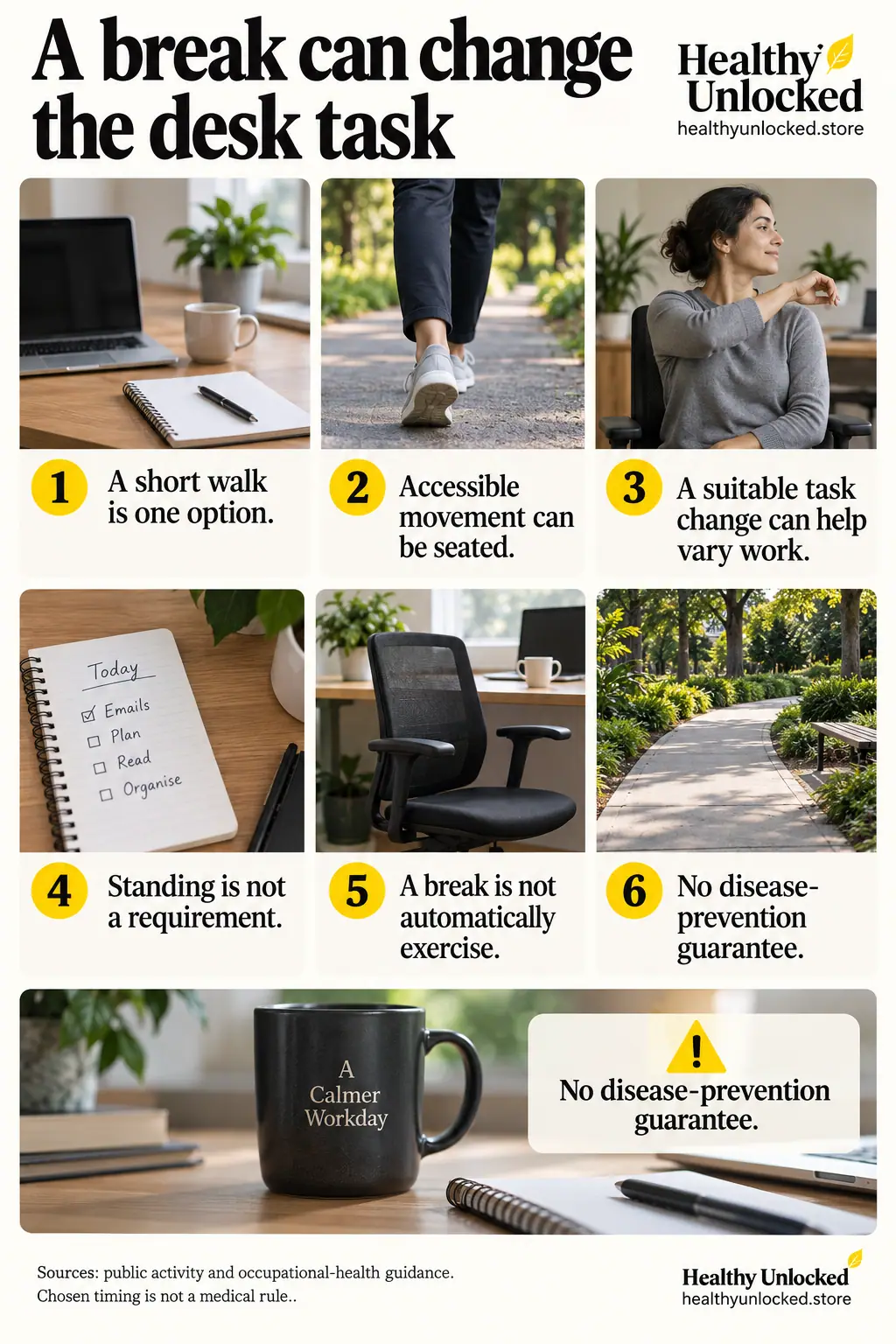
You do not need equipment or a long list of movements to begin reviewing the day. A small appropriate change that fits the work can be more usable than a complicated routine you repeatedly skip. Choose the option because it meets a practical need, not because a video promises to transform the body in minutes.
No break can guarantee prevention of pain, blood clots, diabetes or another condition. The article does not measure those risks. General activity advice can support a plan while a specific health concern still needs its own assessment.
Find opportunities in the workday you actually have
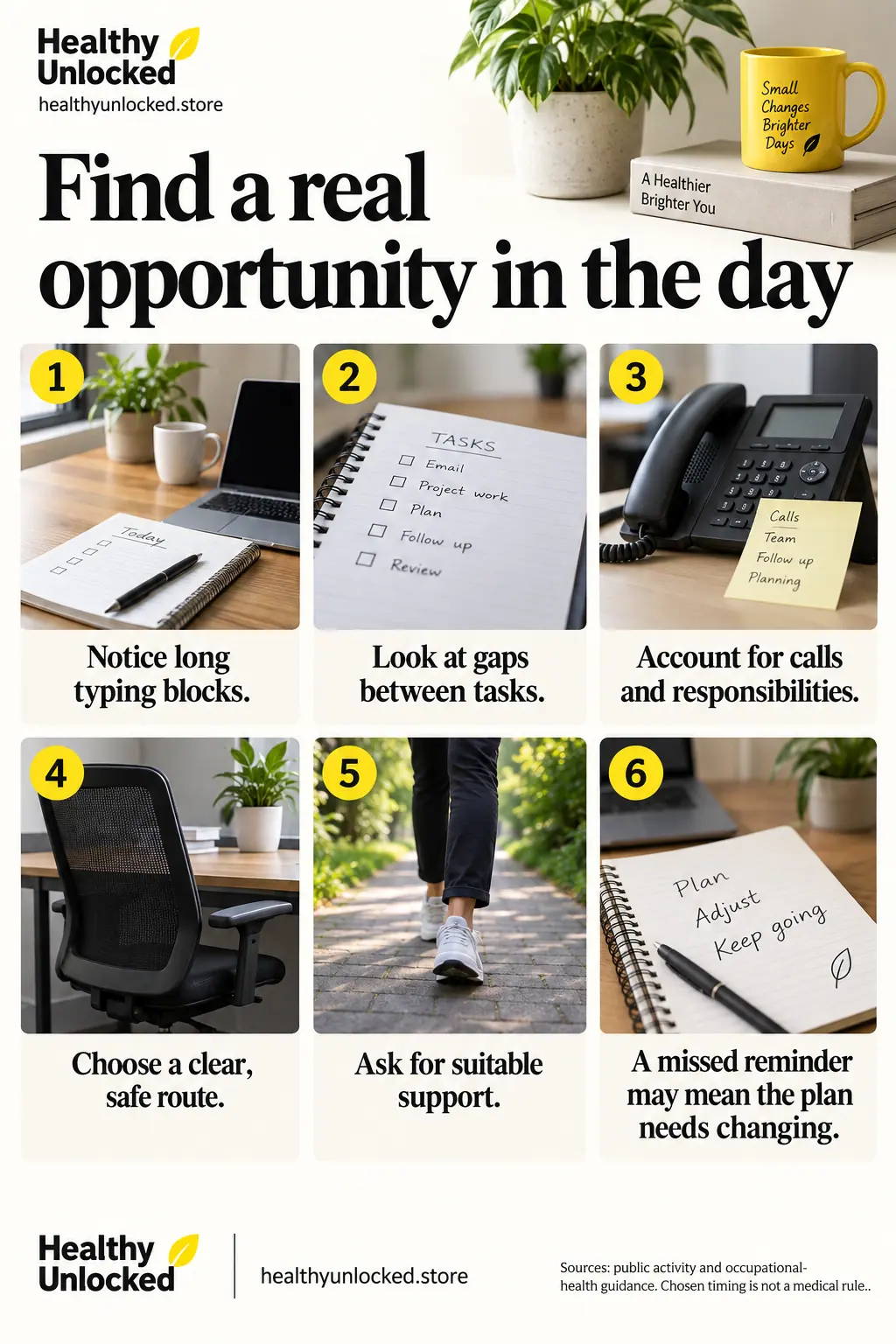
Look at the workday you actually have. Identify the tasks that keep you in one position or repeat the same hand movement for long periods. Then look for natural transitions: finishing a section of work, changing a task, a suitable call or an agreed pause.
Write a short plan rather than monitoring every minute. You might note the main work block, an available break opportunity and one alternative. That can make the idea easier to discuss with a manager or household member without presenting a medical prescription.
The OSHA discussion of computer-work organization treats task variation and awareness of symptoms as part of workplace design. It is a United States occupational resource, not a statement of Indian employment law or a rule that this planner can enforce.
When work is tightly scheduled, the solution may need an organizational conversation rather than a louder alarm. Staffing, deadlines, calls and safety-critical tasks can affect whether a reminder is usable. A plan that blames the individual for every missed pause can overlook the main constraint.
For home work or study, consider the shared space. A route through a cluttered room or a movement that disturbs another person may need adjusting. The useful question is what suitable change is available, not whether the room resembles a workplace photograph.
| Work situation | Possible opportunity | Question to resolve |
|---|---|---|
| Long typing task | Change task at a suitable boundary | Can a short pause be planned without losing work? |
| Back-to-back calls | An agreed gap or suitable alternative | Does the call role allow movement safely? |
| Shared home workspace | A clear indoor route or seated option | Is there enough space and privacy? |
| A mobility limitation | An accessible change chosen with relevant advice | What is comfortable and appropriate? |
| A safety-critical responsibility | A coordinated break arrangement | Who covers the task and when? |
| Frequent natural task changes | Recognize the changes already occurring | Is another reminder actually useful? |
Start with one block, then review it
Choose one part of the day to understand first. Trying to redesign the entire week can make the plan harder to use. A clear note about one difficult block can show whether the issue is the workstation, a task demand, a lack of breaks or a health symptom that needs assessment.
Keep a missed break as information. It may show that the chosen timing does not fit the job. Adjust the plan or ask for support rather than treating the missed reminder as proof that you failed a health target.
Choose a comfortable, accessible change of activity
Choose a movement or change of activity that is comfortable and appropriate for you. Some people may take a short walk; others may use a seated or supported option or a different task. This guide does not assign the same movement to every body.
If you have individual advice after an injury, surgery or for a health condition, use that advice. A general office video cannot override a physiotherapist’s or clinician’s restrictions. Ask what a suitable break can look like when the common examples are not appropriate.
Avoid forcing a painful stretch or treating discomfort as evidence of progress. The amount of movement and the appropriate range can differ. A break plan is not a diagnosis or rehabilitation program, and the website cannot assess the cause of a symptom.
Keep the environment safe. Check the route, floor, furniture and any equipment before moving away from the desk. A reminder should not prompt walking while distracted, stepping into a hazard or leaving a responsibility that requires coverage.
If a social option helps, discuss it without pressure. A colleague may welcome a short suitable walk, while another may need privacy or a different accessible choice. The plan should support participation without turning the break into a compulsory fitness comparison.

Define what you mean by the break
Write the chosen action in ordinary words: “a comfortable change away from typing,” for example. If the purpose is task variation, do not label the action as a guaranteed calorie-burning session. A clear purpose makes the later review more honest.
Have an alternative for a day when the usual option is unavailable. An indoor or seated option may be useful when appropriate. Do not replace an unavailable walk with an unsuitable movement just to preserve the count.
Check the workstation as well as the reminder
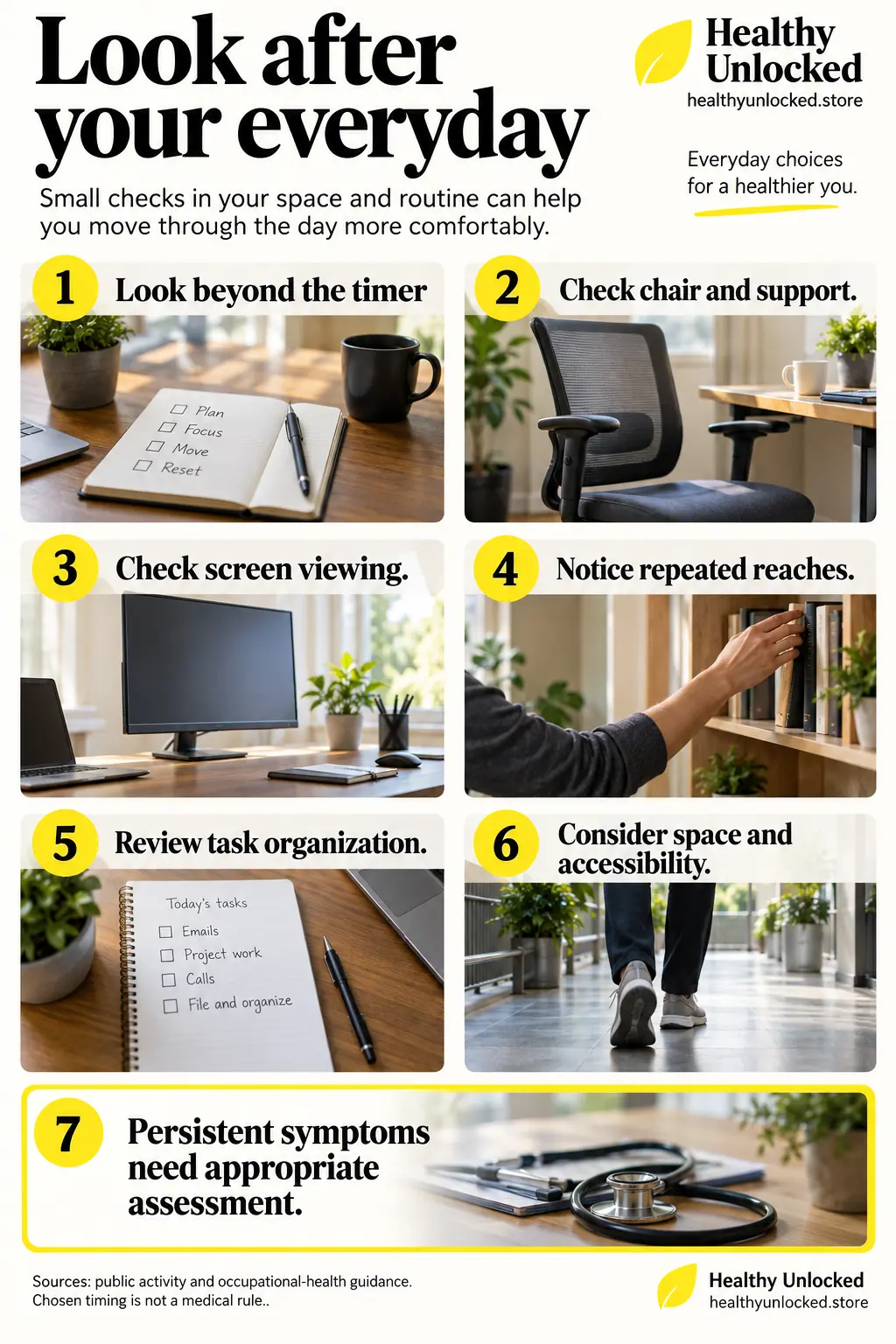
A timer is only one part of the workday. Look at the chair, work surface, screen, keyboard, mouse and the way tasks are arranged. A reminder does not correct a desk that repeatedly makes you reach awkwardly or a screen that is difficult to see.
The OSHA workstation overview organizes the setup into different components. Use the categories to ask practical questions, not to copy one exact desk position without considering your body, equipment and work.
The HSE guidance on screen-work posture offers another occupational-health perspective. Its legal context is British. Reading it does not establish that your workstation meets Indian law, and this article does not provide a formal ergonomic assessment.
When discomfort persists, discuss the actual setup and tasks with an appropriate professional or workplace service. A photo may help explain the arrangement, but it does not measure every relevant factor. Avoid assuming that a purchase alone will solve the problem.
A standing desk is not a requirement for participation in this guide. It may suit some arrangements, but standing continuously is not the same as varying activity. Consider the full work pattern and suitable advice instead of treating one product as a universal answer.
| Area | Practical question | What the planner cannot do |
|---|---|---|
| Chair and support | Does the setup fit the person and task? | Measure or prescribe a seating arrangement |
| Screen | Can it be viewed without repeated awkward positioning? | Assess vision or diagnose a symptom |
| Keyboard and mouse | Are repeated reaches or forceful movements occurring? | Certify an ergonomic design |
| Task organization | Can different suitable tasks be mixed? | Change staffing or job requirements |
| Space and route | Is a proposed movement practical and accessible? | Inspect hazards |
| Persistent symptoms | Is appropriate assessment needed? | Replace a clinician or workplace review |
A product choice should answer a specific problem
Before buying a chair, desk or reminder device, write the problem it is meant to address. A feature that sounds impressive may not fit the available space or the actual task. Seek appropriate setup advice when the question is more than an ordinary adjustment.
Keep a record of what changed and whether the arrangement became more usable. Do not claim that one change prevented a disease or cured a pain from a short personal observation. The record is useful for explaining the work context, not proving a clinical outcome.
Make a flexible plan instead of a rigid timer rule
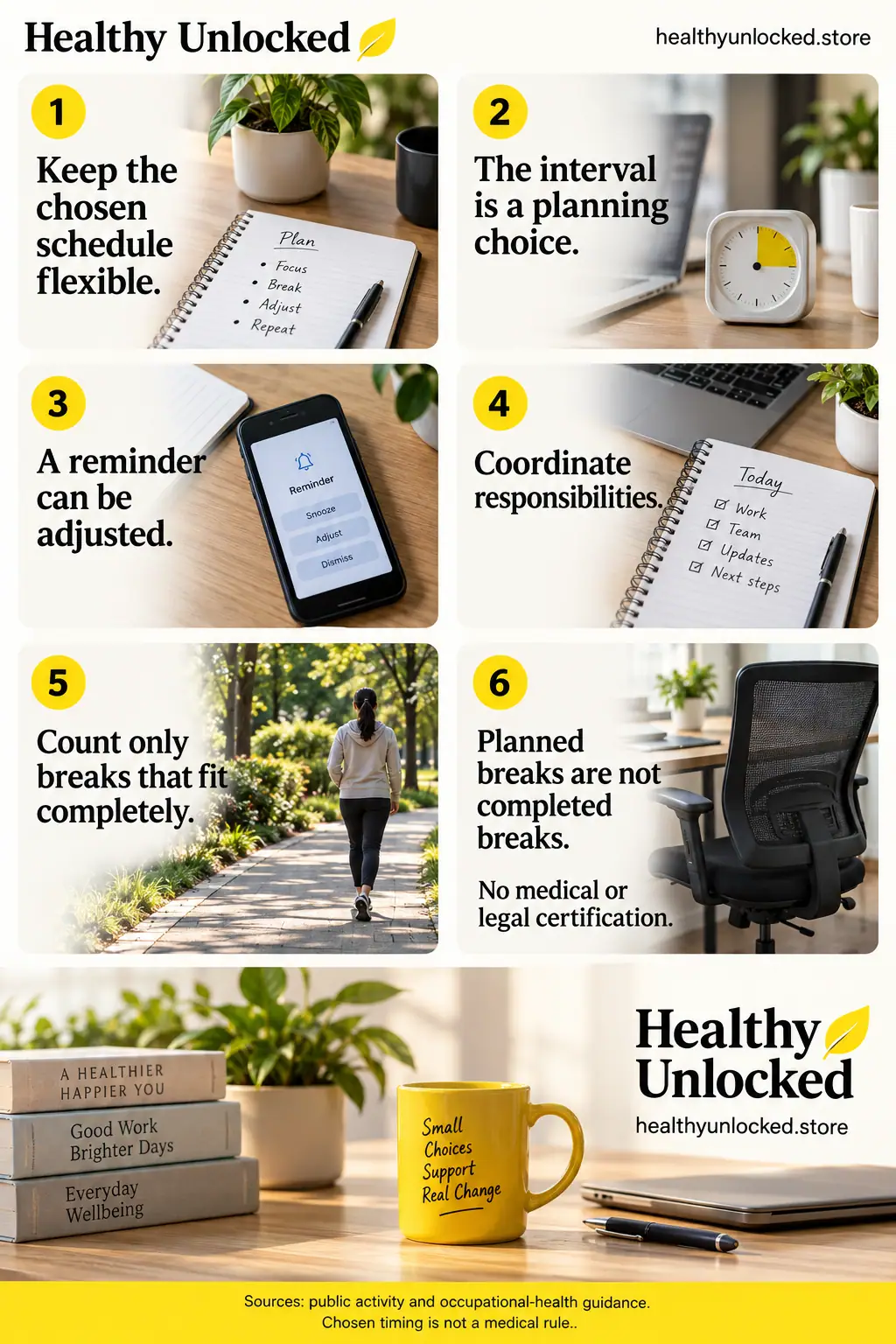
A flexible plan can include a chosen interval, an expected break length and an alternative when the timing is unsuitable. Those values describe your planning model. They are not a universal medical rule or proof that the schedule is appropriate for a particular condition.
The HSE discussion of work routine and breaks emphasizes that task demands affect the pattern of breaks. Use that principle to make the plan realistic. Its example durations and legal statements belong to that resource’s context; our calculator does not certify compliance.
A reminder should be easy to dismiss or adjust when necessary. It should not force an unsafe interruption or make you anxious about a missed minute. If the reminder is repeatedly ignored because the plan does not fit, review the arrangement rather than simply adding more notifications.
Agree how breaks work when somebody else depends on your role. A short coordinated pause can be different from leaving a task unexpectedly. The plan may require organizational changes, and the website cannot make those decisions for your employer.
Do not add a full break that starts at the very end of the time window and then pretend it occurred inside the window. The calculator below counts only complete breaks. It also shows the assumptions so that the count is understandable rather than appearing as a hidden scheduling recommendation.
Review the plan with the actual day
At the end of a work block, ask whether the proposed opportunities were available and whether the action was comfortable. A simple note can be enough. You do not need a public leaderboard, a streak or a health score to learn that the timing needs changing.
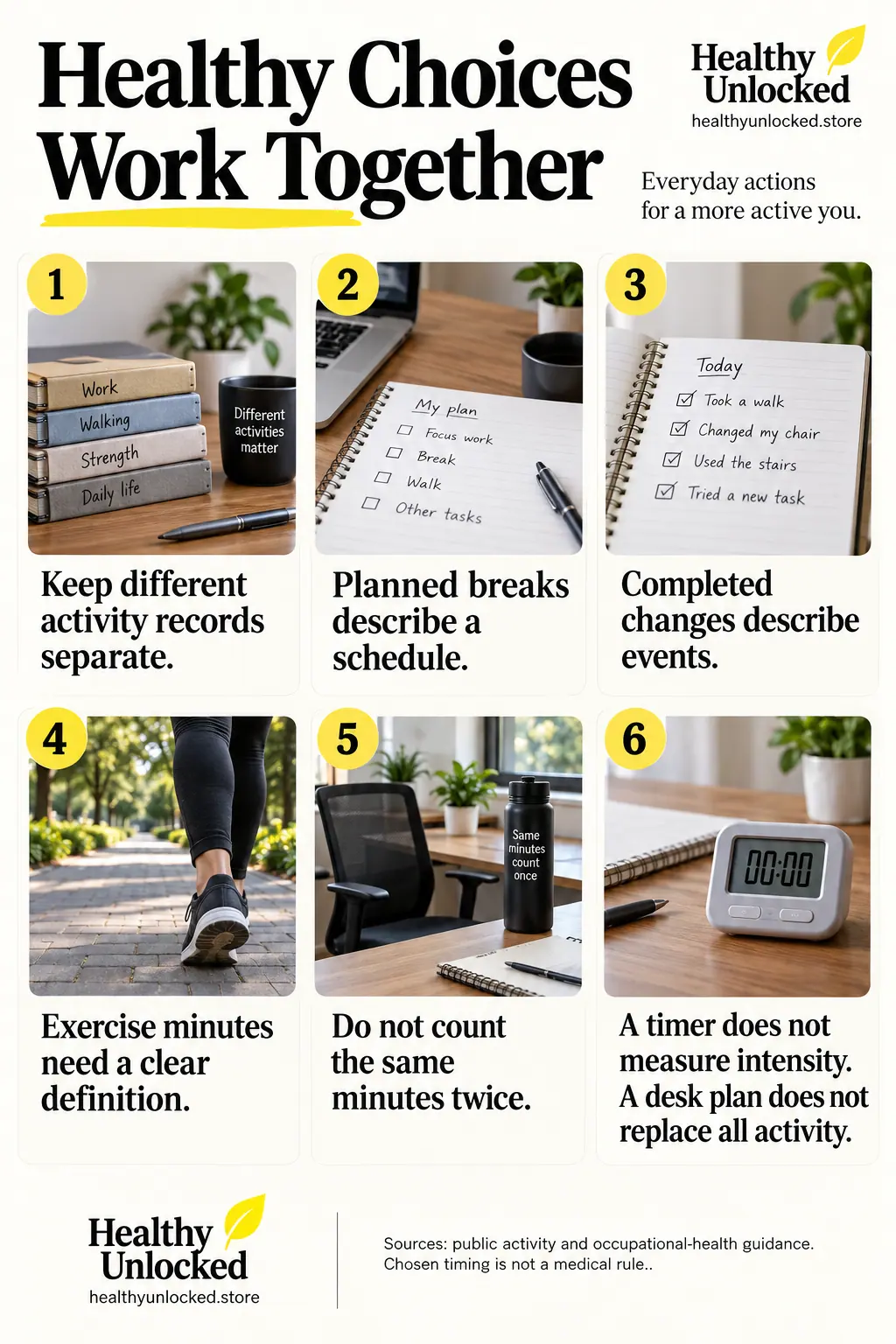
Keep planned and completed breaks separate. The calculator creates an illustrative plan, not evidence that you took the breaks. If you keep a personal record, mark what actually happened and leave unknown details uncertain.
Keep desk breaks separate from your wider activity plan
Desk breaks and a wider activity plan can support different questions. A brief task change may interrupt repetition without reaching moderate intensity. Do not automatically add every standing minute or every reminder to an exercise total.
The WHO physical-activity overview includes activity across ordinary life and distinguishes activity from sedentary behaviour. Use it for the broader context. A chosen desk schedule is not a measured clinical intervention or proof that all risks of sitting have disappeared.
If you also walk for exercise, record the actual walking session using a consistent method. Avoid counting the same period once as a desk break and again as another session. The number of reminders alone says little about what activity happened.
Our protein-and-fiber article offers separate food-planning background. Movement and food decisions should not be turned into a bargain where a particular snack “pays for” a missed break or a break cancels a food. They are different parts of everyday care.
Choose a broader plan that fits your abilities and advice. The general adult references are not an order to perform a particular amount during the workday, and the planner does not estimate calories, weight change or improvements in a disease marker.
| Record | What it describes | Avoid the inference |
|---|---|---|
| Planned desk breaks | A schedule you chose | That the breaks happened |
| Completed task changes | What actually occurred | That every change was moderate exercise |
| Exercise minutes | Activity recorded using its own definition | That reminders establish intensity |
| Symptoms | A separate observation for advice | That a completed schedule rules out a problem |
| Workstation changes | A practical setup adjustment | That a product cured a condition |
| Weekly review | What was usable and what needs support | That a missed break is a medical failure |
A modest plan can still be useful
An accessible change that fits one work block may be a reasonable starting point. Do not discard it because a social-media routine looks more energetic. The guide is intended to make decisions clearer, not to compare bodies or work schedules.
If you want help with exercise intensity, use appropriate activity guidance or professional advice rather than this scheduling count. Time and intensity are different inputs. The planner does not observe the movement you choose.
Respond to symptoms and workplace limits
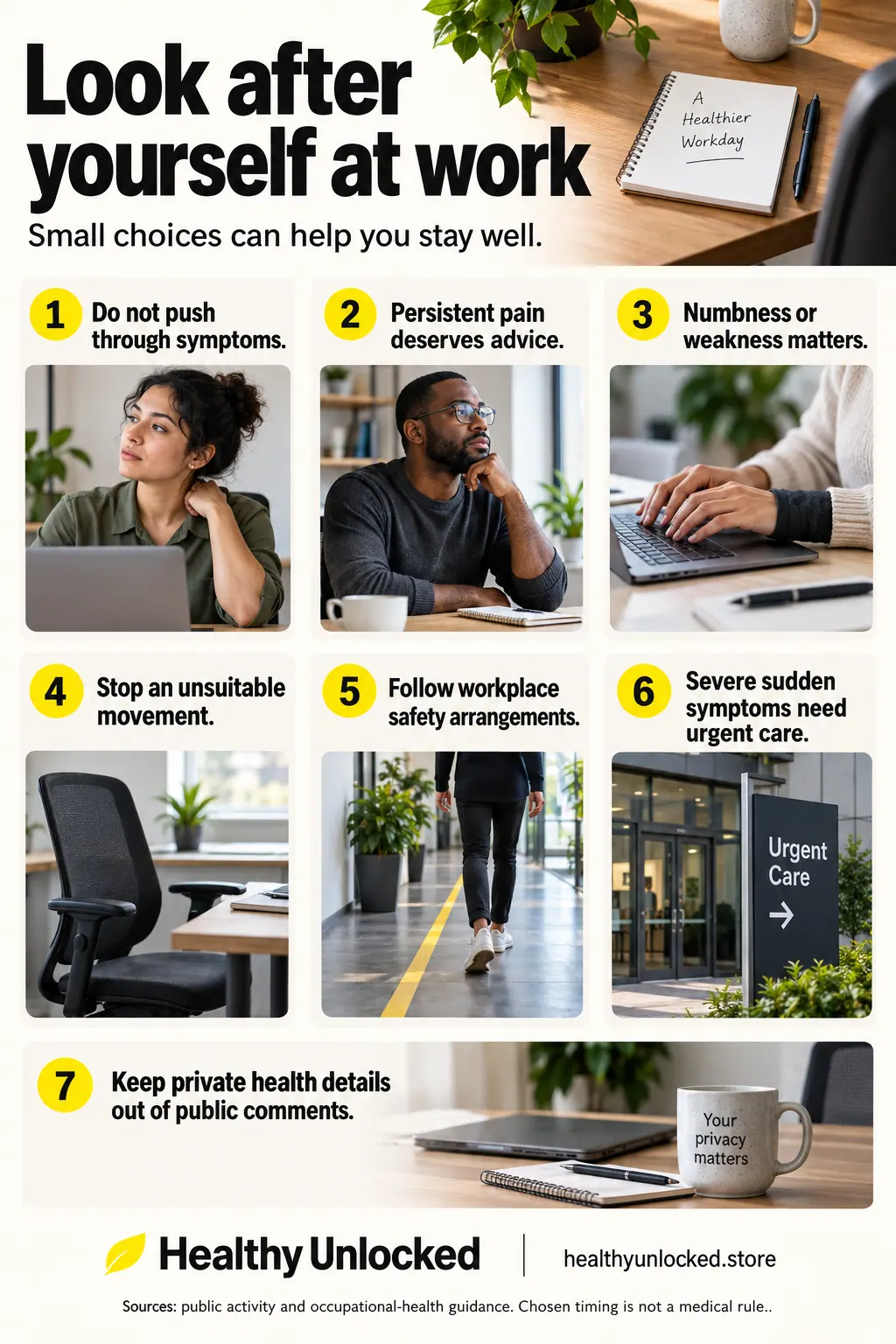
Pain, numbness, weakness or a persistent symptom should not be explained away as a normal part of desk work. Seek suitable assessment and mention the tasks and setup involved. A reminder app cannot determine the cause or decide which movement is safe.
If a movement causes a new or worsening symptom, stop the unsuitable action and get advice as appropriate. Do not push through it because the break is short or a video calls it gentle. A general description does not account for every condition.
Chest pain, severe breathlessness, fainting or sudden neurological symptoms can require urgent medical attention. Use appropriate local emergency services. Do not wait for the end of a break, an appointment-planning worksheet or a weekly review when the situation is urgent.
Follow workplace safety arrangements. Do not walk away from a responsibility that requires coverage, move through an unsafe area or use a device while distracted. Breaks should be planned so the work and the movement can both be managed appropriately.
Ask for accessible support when a common example does not fit. You should not have to perform a standing routine to use this guide. A clinician, occupational-health professional or suitable workplace service can help with the relevant individual and organizational questions.
Keep personal details out of public comments
The planner only needs durations and chosen intervals. It does not need a diagnosis, a workplace address or a detailed health record. If you want advice on symptoms, use an appropriate healthcare route rather than a public comment below the article.
When discussing a work arrangement, share the information necessary for the decision through the appropriate channel. A public screenshot of a personal schedule can reveal more than you intend. The website does not need that screenshot to run the calculation.
Try the complete-break planning calculator
The complete-break calculator uses three whole-minute inputs: the total planning window, the interval between planned break starts, and the break length. The first break starts one chosen interval after the beginning. The window includes the break time; it is not a count of uninterrupted productive-work minutes.
A break is counted only when its end fits inside the window. The formula is: complete-break count = the larger of zero and the whole-number floor of (window minutes minus break minutes) divided by interval minutes. Planned break minutes = count multiplied by break length.
Example one: a 480-minute window, a chosen 60-minute interval and a two-minute break produce floor((480 − 2) ÷ 60) = 7 complete breaks, totalling 14 minutes. The break that would start at minute 480 is excluded because it would end after the window.
Example two: a 420-minute window, a chosen 90-minute interval and a five-minute break produce floor((420 − 5) ÷ 90) = 4 complete breaks, totalling 20 minutes. The chosen starts are 90, 180, 270 and 360 minutes after the beginning. These values are illustrative planning choices, not recommended medical intervals.
The calculator runs in the browser and does not monitor whether a break occurred. It has no health-risk grade, symptom interpretation or workplace-compliance result. Save your own output when useful, and adjust the plan with the work arrangements and any individual advice.
| Condition | Handling | Meaning |
|---|---|---|
| Window | A positive whole-minute value, up to one day | A planning window, not a recommended work duration |
| Interval | A positive whole-minute value | Chosen timing, not an ideal medical frequency |
| Break length | Positive whole minutes, no longer than window or interval | Complete non-overlapping illustrative breaks |
| First interval exceeds the window | Zero complete breaks | No hidden minimum is imposed |
| A break would end after the window | Exclude it | Only complete breaks inside the window are counted |
| Blank, negative or fractional input | Clear the result and request a correction | Do not leave a stale schedule after invalid input |
Plan complete breaks inside a work window
480 minutes, chosen interval 60 and break 2: 7 complete breaks, 14 minutes. No ideal interval, health score or legal standard.
480 minutes, chosen interval 60 and break 2: 7 complete breaks, 14 minutes. No ideal interval, health score or legal standard.
Calculations use this page’s entries in your browser; they do not save or send them to a Healthy Unlocked server. Keep downloaded files private as needed.
Use the worksheet for a workable conversation
The downloadable worksheet has space for the work block, the chosen action, the proposed timing and what actually occurred. It also records the planning formula and example values. It is an editorial planning aid, not a validated occupational-health assessment or a clinical dataset.
Use the result to ask whether the plan fits the day. If the answer is no, change the timing, the action or the work arrangement as appropriate. The useful outcome is an understandable plan, not the largest possible break count.
Common questions about movement breaks at work
Is there one best interval for every desk worker?
No. Tasks, abilities, symptoms and work arrangements differ. The calculator uses an interval you choose and does not certify it as medically ideal or legally compliant.
Do I have to stand to take a movement break?
No. Choose an accessible, comfortable option that fits your abilities and any individual advice. Standing is not a requirement for using this guide.
Does a desk break count as moderate exercise?
Not automatically. A task change or standing minute may have a different purpose and intensity. Record exercise using a clear definition rather than counting every reminder as activity.
Can a standing desk replace all breaks?
Not by itself. Work pattern, task variation and appropriate setup still matter. Standing continuously is not the same as varying activity, and a product is not a universal answer.
Does the planner count a break starting at the end of the day?
Only if the complete break fits inside the chosen window. A break starting at the very end is excluded because its duration would extend beyond the window.
What if I have pain or concerning symptoms?
Do not push through symptoms to complete a schedule. Seek appropriate assessment for persistent or worsening problems, and use urgent medical services for severe or sudden concerning symptoms.
Your next work block: notice one long desk task, choose a comfortable change, and make a plan that fits the work. Keep the schedule separate from symptoms and from your wider exercise record.
About this article
By Yashveer Bharani for Healthy Unlocked. Public activity and occupational-health resources inform this guide, alongside original editorial tables and planning worksheets. No independent physiotherapist review, workplace inspection or tested intervention is claimed.
The calculator counts complete breaks according to the visible formula. The intervals are user choices and hypothetical examples, not medical prescriptions or Indian legal requirements. Images illustrate the subject rather than documenting clinical or workplace outcomes.
Sources and further reading
These original references support the guidance and its limits. A link does not mean that the institution reviewed or endorsed this article.
Main guidance
Practical reference
Context and definitions
Safety and care
Evidence and limitations
Further reference
 Healthy Unlocked
Join the conversation
Share a practical idea or ask a question about this guide. Please keep personal medical details private.